
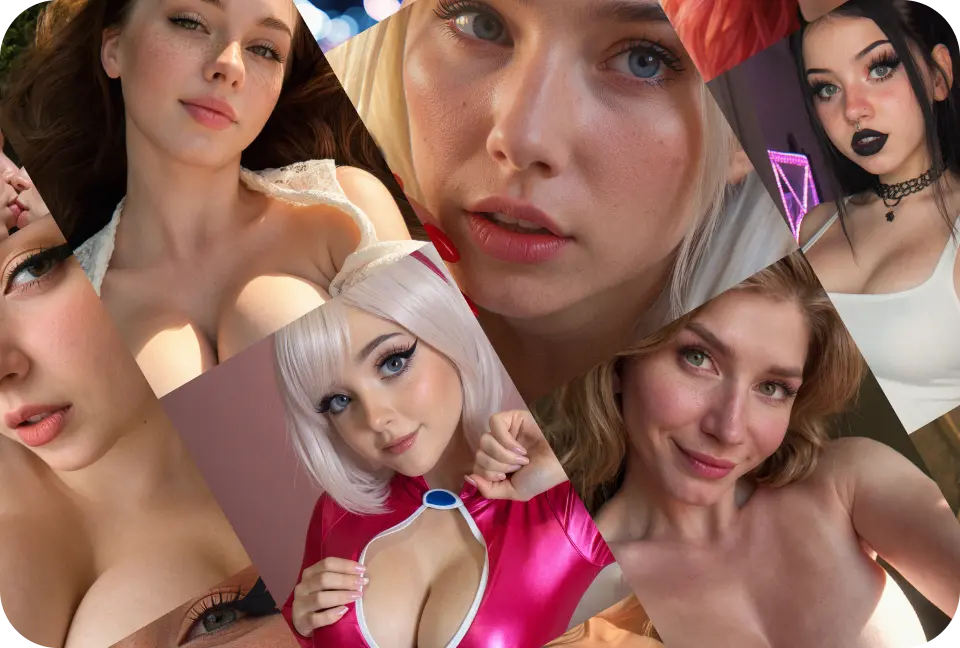
Key features
Why MyLovely feels better
Chat, create images, animate moments, and refine your companion in one private AI experience.

Secure payments
Private by design
Anonymous generation
No real-person lookalikes
Safety checks
Clear billing support
Step by step
What you can do with your AI character
Build a companion, talk naturally, create visuals, and turn the relationship into a richer private world.
Hey, I remember what you told me yesterday.
Tell me what you want to do tonight.
01
Chat naturally
Start with a message and build a private conversation with memory, personality, and emotional context.
02
Create photos
Generate selfies, outfits, moods, and scenes that keep your companion visually consistent.
03
Create videos
Animate an image into a short clip, add motion to a pose, or make your character feel alive.
04
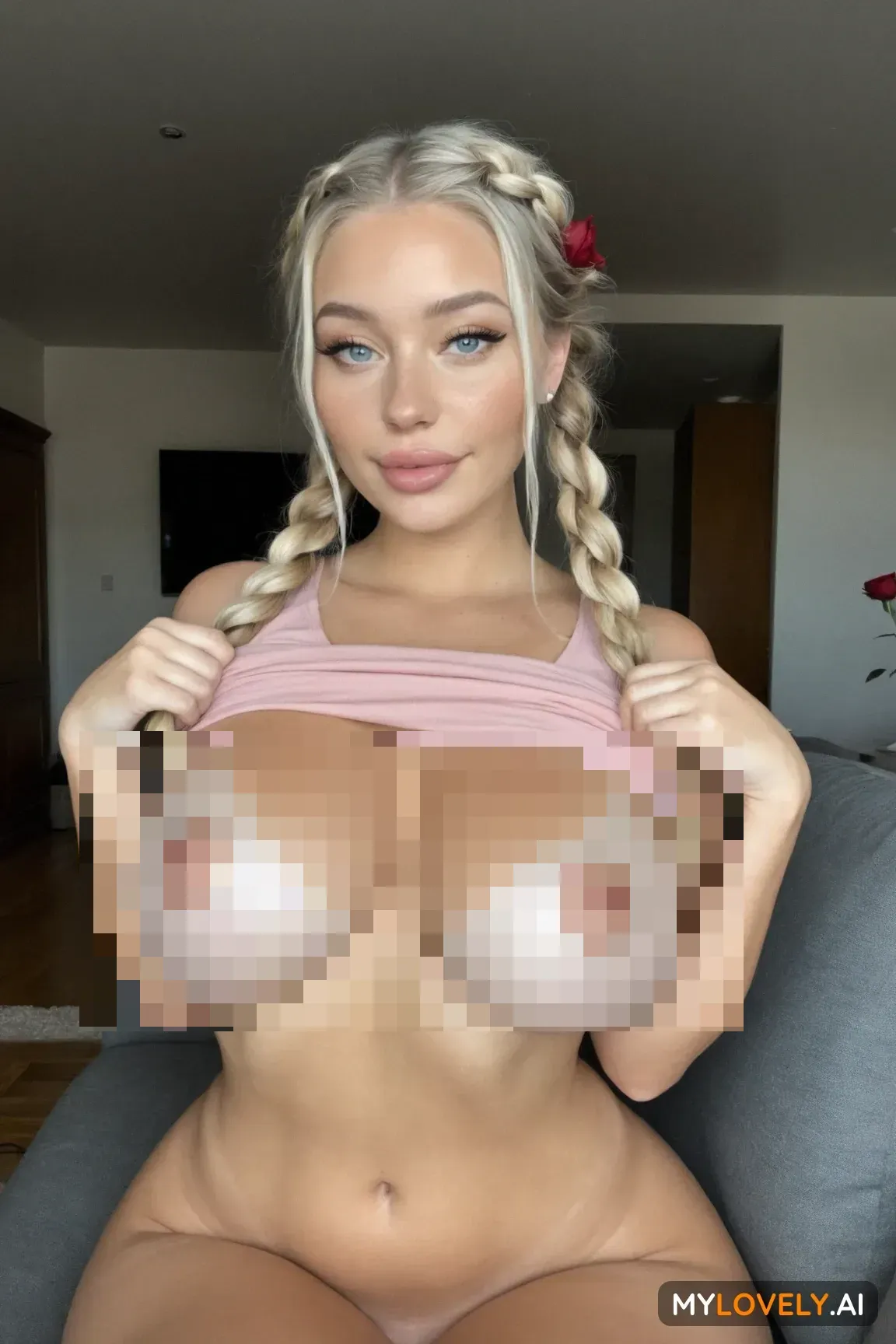
Unlock private looks
Explore intimate and undressed styles for your character in a private, adult-only creative space.
How to start
Start your AI companion in minutes
A simple flow for choosing a character, shaping the vibe, and turning the first chat into photos or videos.
01
Choose your companion
Pick a ready-made character or start from scratch with your own look, identity, and personality.
02
Set the mood
Define how they talk, what they remember, and the kind of relationship or roleplay you want.
03
Start chatting
Open the conversation, build context, and let the character adapt to your tone over time.
04
Create media
Generate photos and videos from the same companion when you want the story to become visual.
Trust and privacy
Private by default, built for control
Your companion experience should feel personal without feeling exposed. MyLovely keeps the setup clear, private, and easy to manage.
01
Private conversations
Your chats are designed as a personal space between you and your AI companion.
02
You control the character
Adjust personality, visual style, memories, and the kind of experience you want.
03
Free to start
Try the core flow before committing. Upgrade only when you need more creation power.
04
Adult-only boundaries
Built for consenting adults, with clear limits against illegal or harmful content.
Character examples
Ebony AI characters to start with
A focused starter set for ebony AI image creation, private companion chat, and visual storytelling.
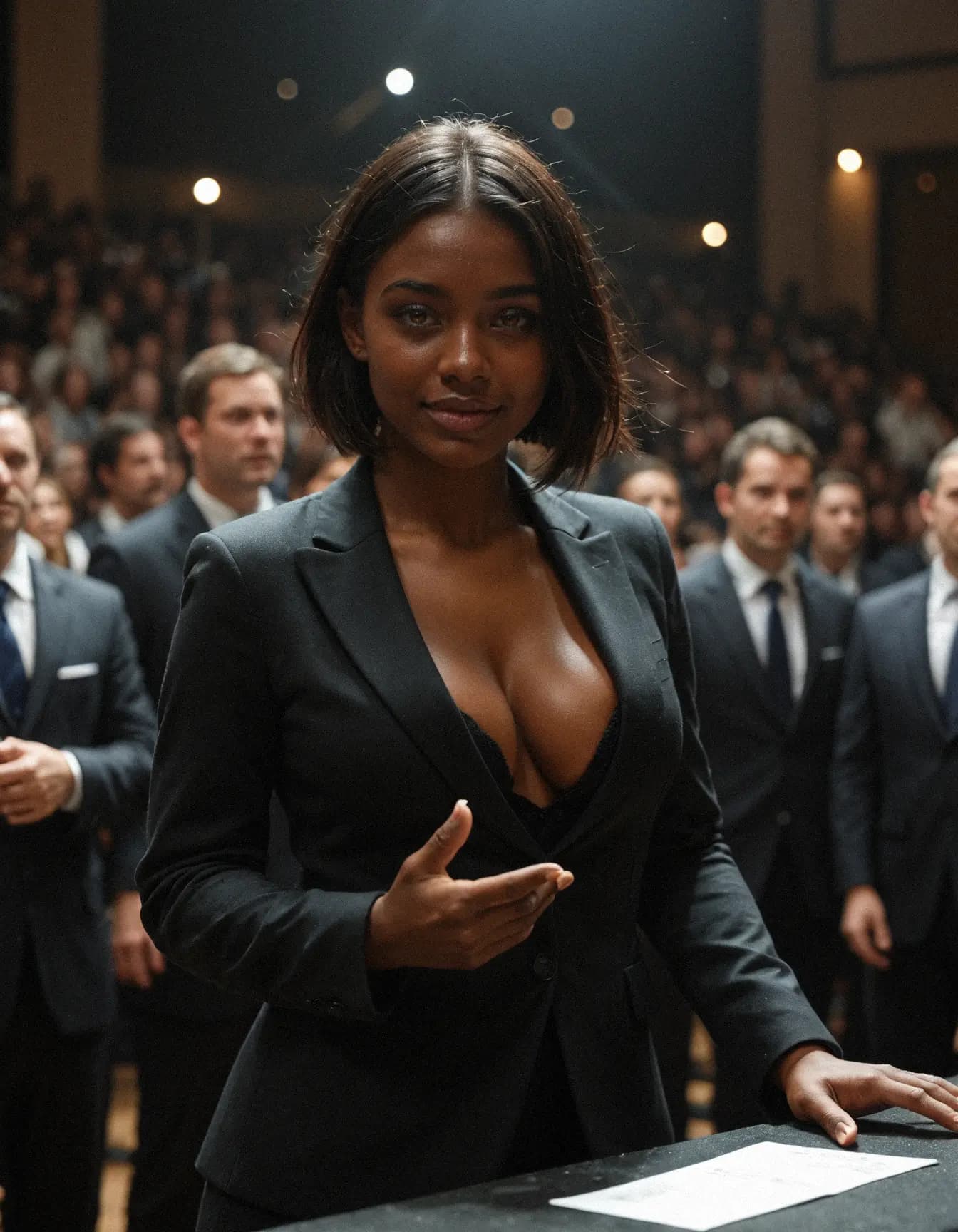
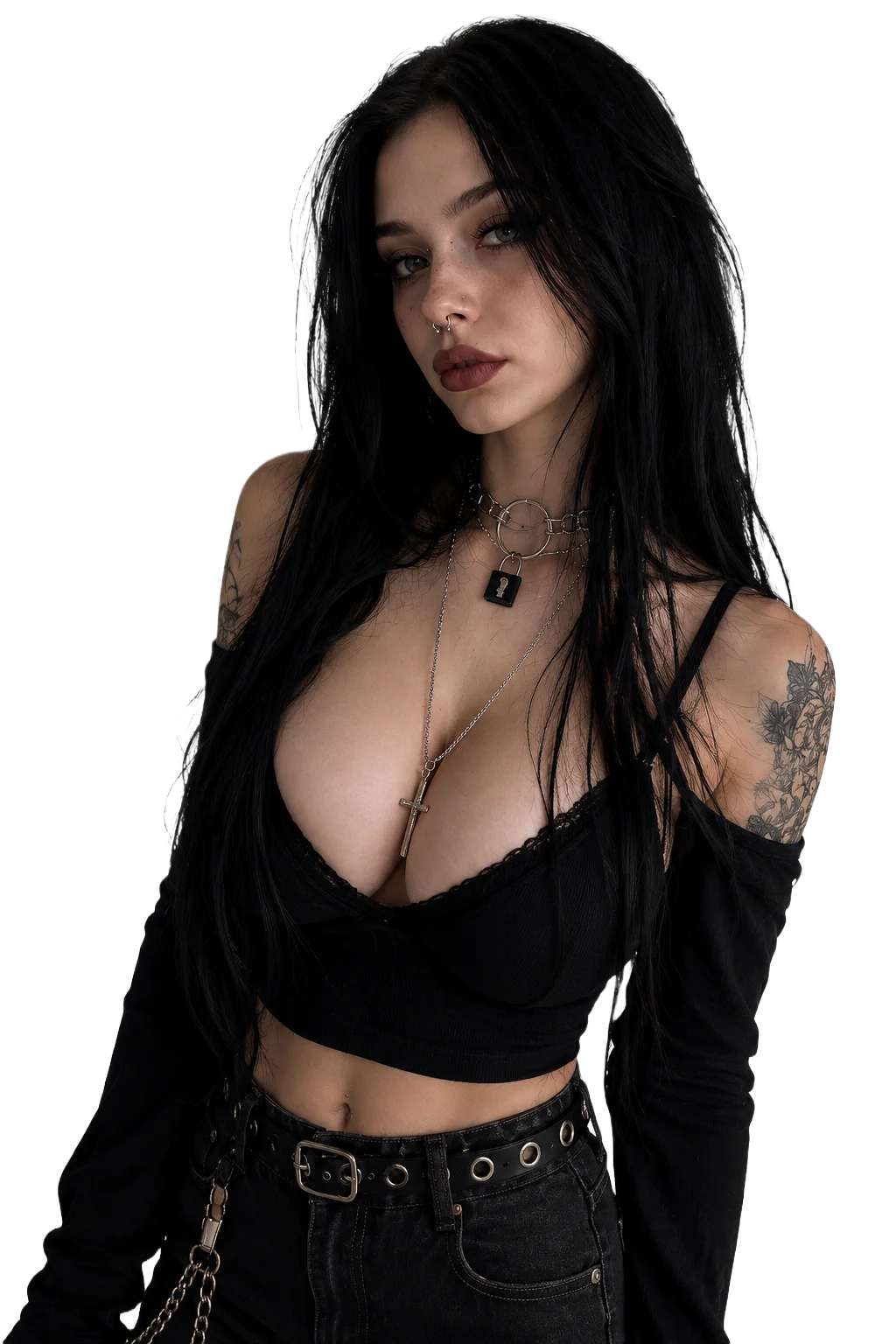
Ayanna Johnson
Driven and fearless, she loves challenges on the court and in conversations. Energy follows her everywhere.
Start chatting
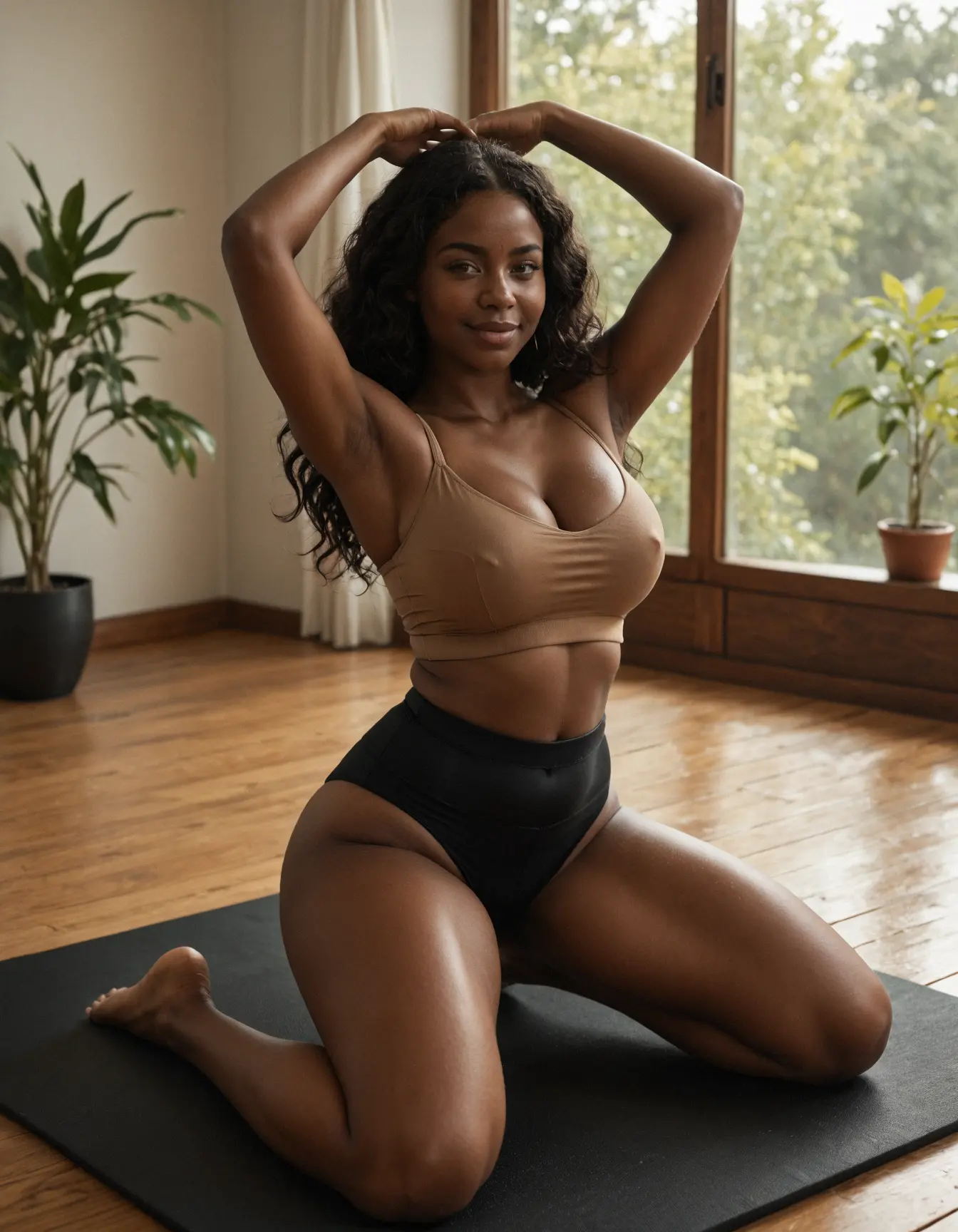
Naomi Okafor
Balanced and wise, she blends intellect with warmth. Her presence feels both grounding and inspiring.
Start chatting
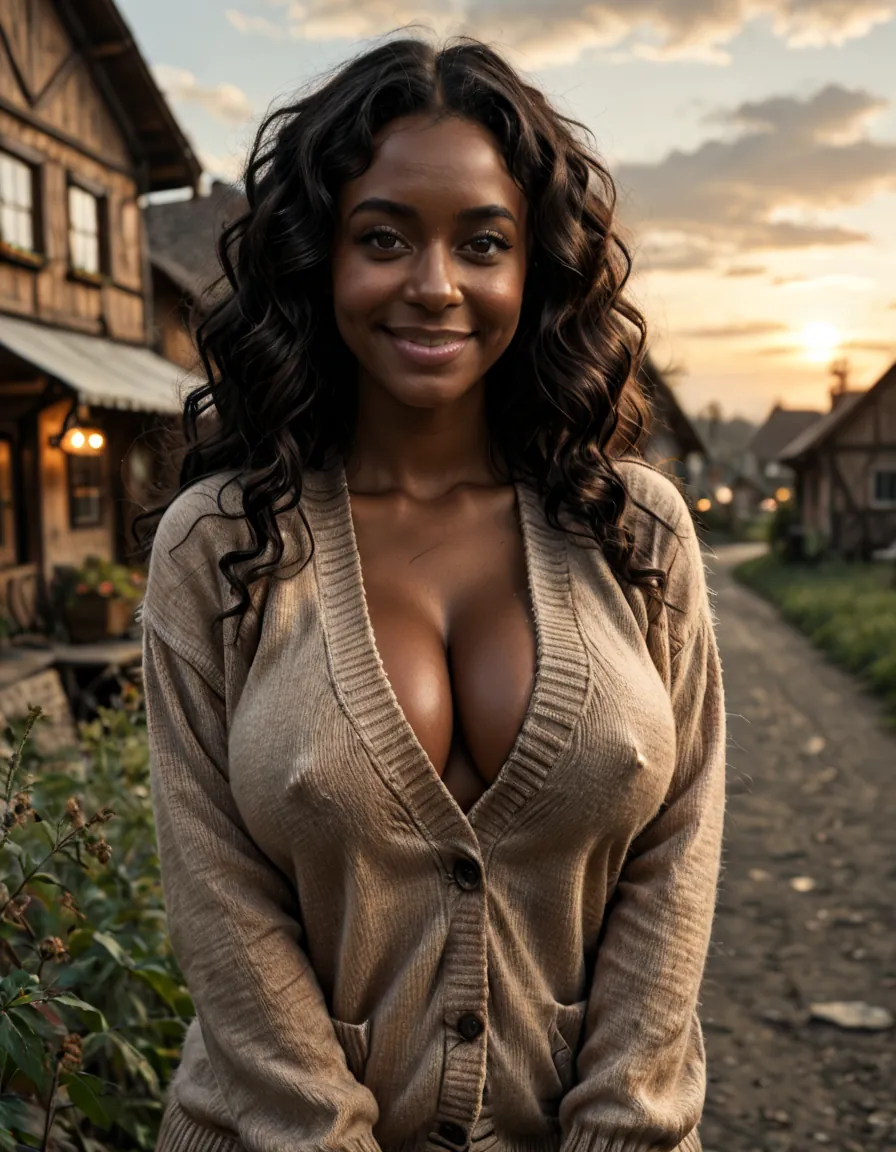
Nora Walker
At 25, with playful curls and warm brown eyes, she dances through life, radiating kindness and charm, a vibrant spirit in every step.
Start chatting
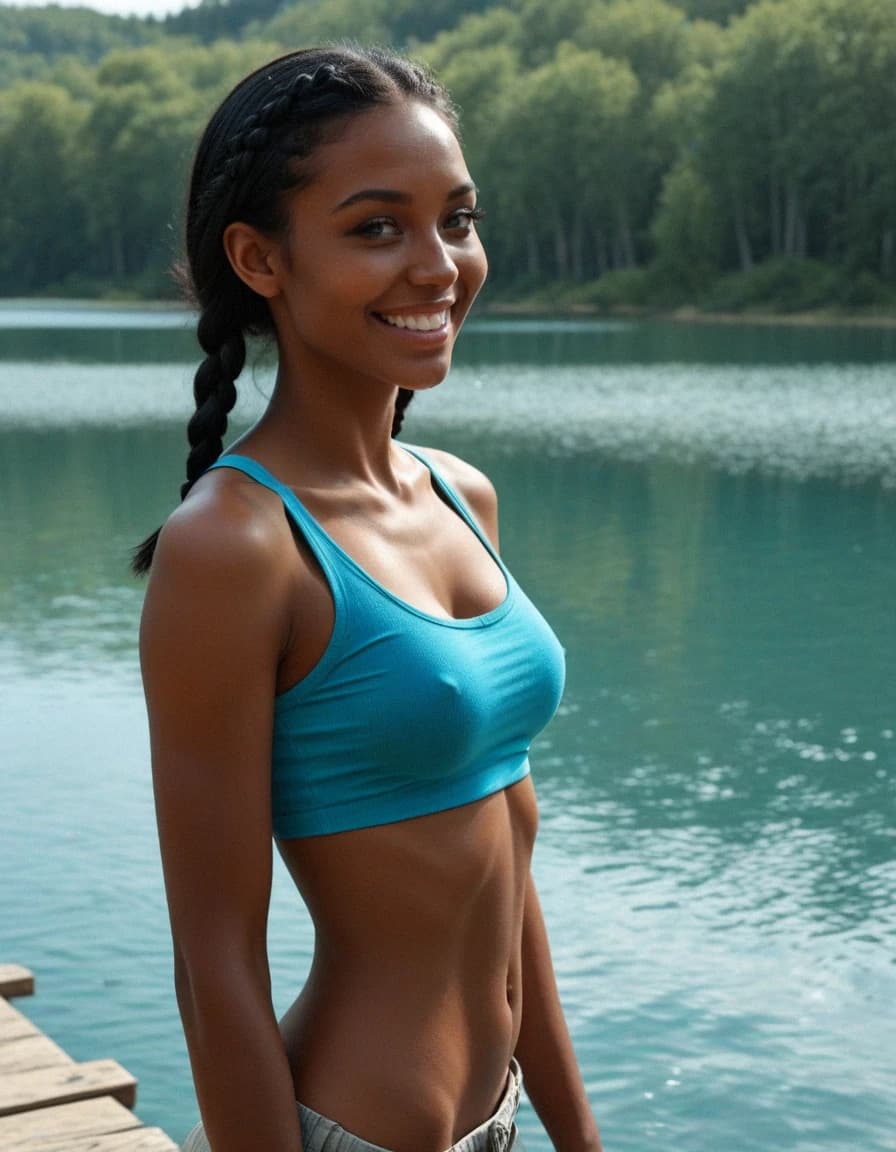
Mia
At 22, a confident soul with blue eyes and black braids roams the world, balancing gaming adventures with a shy, sarcastic charm.
Start chatting
Better than basic AI chat
One companion, not five disconnected tools
The best AI girlfriend experience should feel private, visual, and continuous: chat, custom characters, AI photos, and video in one adult-focused flow.
Best AI girlfriend•Private AI companion•Adult AI chat
Other tools
Basic AI chat
MyLovely
Private companion chat
Other tools
Text only
MyLovely
Chat + images + video
Other tools
Generic bot replies
MyLovely
Character memory and style
Other tools
Filtered adult roleplay
MyLovely
Adult-first private space
Other tools
Random prompt images
MyLovely
Consistent companion visuals
Other tools
Scattered apps
MyLovely
Start free in one flow
Ebony AI image guide
How to create ebony AI images with a consistent character
People searching for an ebony AI image generator usually want more than a single random render. A stronger workflow starts with the AI image prompt guide, continues in Create AI Images, and can move into AI video generation without losing the same visual style.
01
Define the visual identity
Set skin tone, face, hair, body language, outfit style, and lighting before generating a series. For a full companion setup, start from Create AI Character.
02
Keep prompts reusable
A reusable prompt foundation makes it easier to create selfies, fashion looks, and scenes around one companion. The prompt guide shows how to structure those details.
03
Edit small details
Refine expression, pose, color palette, or room style without replacing the whole character. Use the AI image editing guide when you want controlled refinements.
04
Use images beyond the gallery
Generated portraits work better when they become part of a private companion chat and video flow. The image-to-video tutorial covers the animation path.
What users usually compare
For image quality
Look for clean facial detail, lighting, and useful edit control inside Create AI Images.
For consistency
Repeat key character details across each new prompt.
For privacy
Keep prompts personal without using sensitive real-person information.
Practical FAQ
Privacy, billing, cancellation, and support
Straight answers for the questions people usually check before starting an AI companion chat.
01What is an Ebony AI image generator?
It is a text-to-image tool for creating ebony AI portraits, custom AI girls, and private character visuals from prompts.
02Can I create the same ebony AI character again?
Yes. Use consistent details for face, hair, outfit, lighting, and personality direction so your images feel connected.
03What styles can I generate?
You can create realistic portraits, fashion looks, cinematic scenes, stylized art, companion selfies, and image concepts for private storytelling.
04Can I animate generated images?
Yes. You can use image-to-video tools to turn a finished image into a short animated clip.
05Can I chat with the character too?
Yes. You can create a visual identity first, then continue with private AI companion chat.
06Is MyLovely private?
MyLovely is built for private AI companion creation. Do not include sensitive real-person information in prompts.
07How much does MyLovely cost?
You can start for free. Paid plans and token packs are shown at checkout before you pay; current subscription options start from $12.99/month for Premium and $19.99/month for Premium Plus, with longer plans available. Taxes and processor details may vary by region.
08How do I cancel a subscription?
Open Settings, go to Billing, and use the subscription cancellation option before the renewal date. After cancellation, premium access normally remains active until the current paid period ends.
09What will appear on my bank statement?
The exact billing descriptor can depend on the payment provider and method used at checkout. If you do not recognize a charge, compare the amount and date with your payment history in Settings or contact support@mylovely.ai; never send full card numbers in support messages.
10What should I do if payment, chat, images, or video do not work?
First refresh the page and check your account tokens or subscription status in Settings. If the issue continues, contact support@mylovely.ai with your account email, the page or feature you used, and the approximate time of the issue so we can investigate faster.